AI Image Prompts
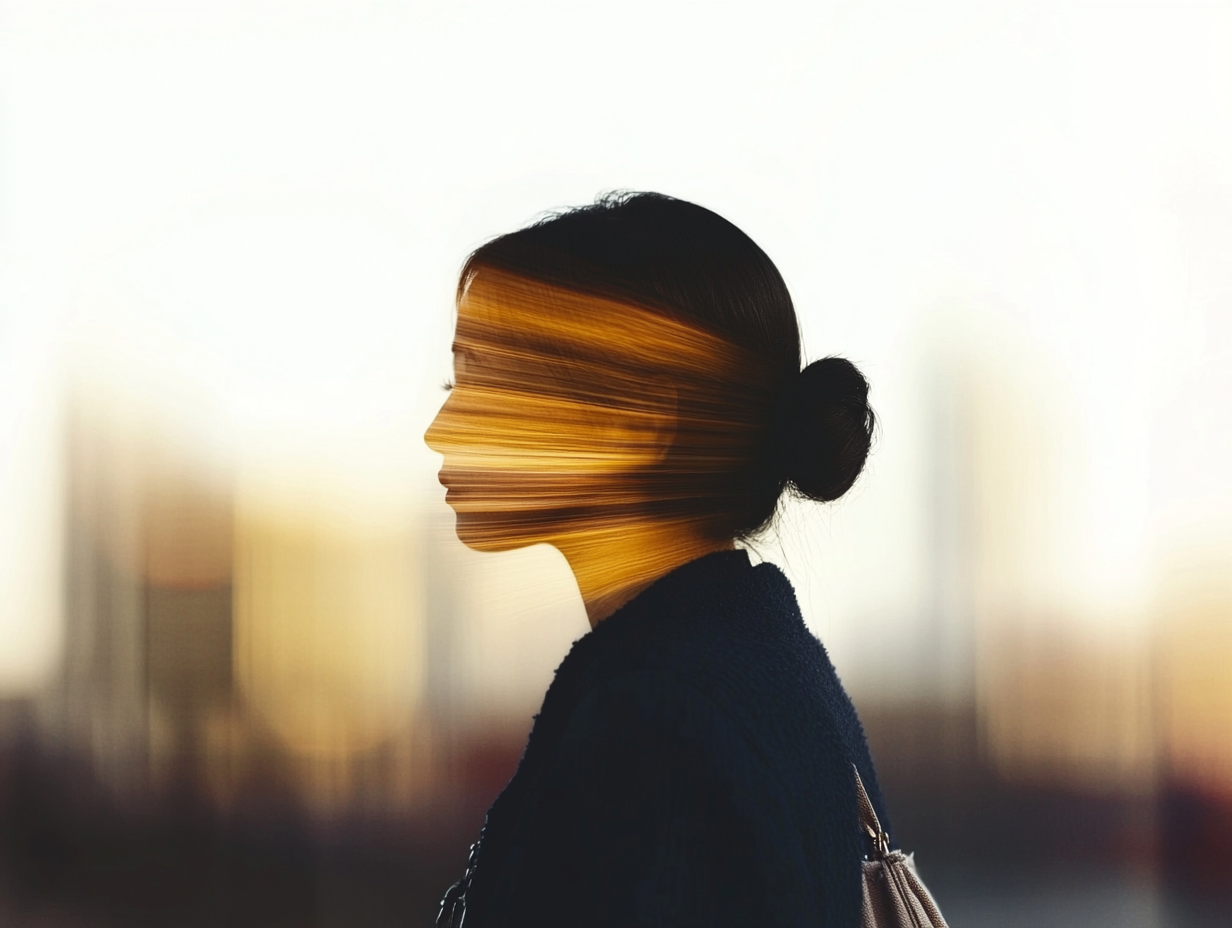
AI prompt: Blurred silhouette of a person in front of a city skyline at sunset, double exposure photography, abstract expressionism, blurred background, blurred foreground, soft colors, emotional and dreamy, captured in the style of Canon EOS-5D Mark III camera.
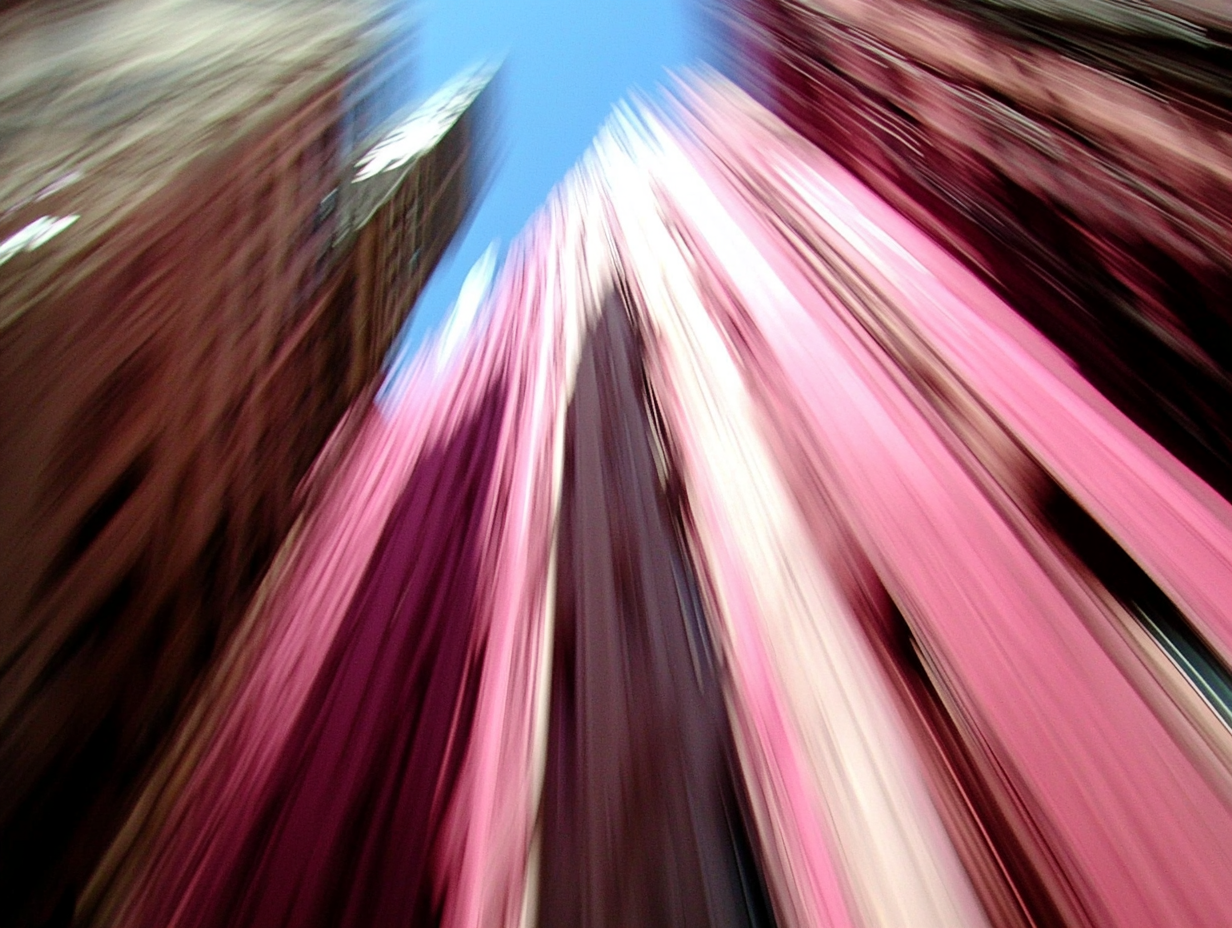
AI prompt: Abstract cityscape photograph shot on analogue camera with blurred skyscrapers, a pink and blue color gradients, with motion and some of parts in focus, others in a dreamy and foggy atmosphere, soft lighting, a motion blur effect, an urban background, and an artistic style. shot on Hasselblad
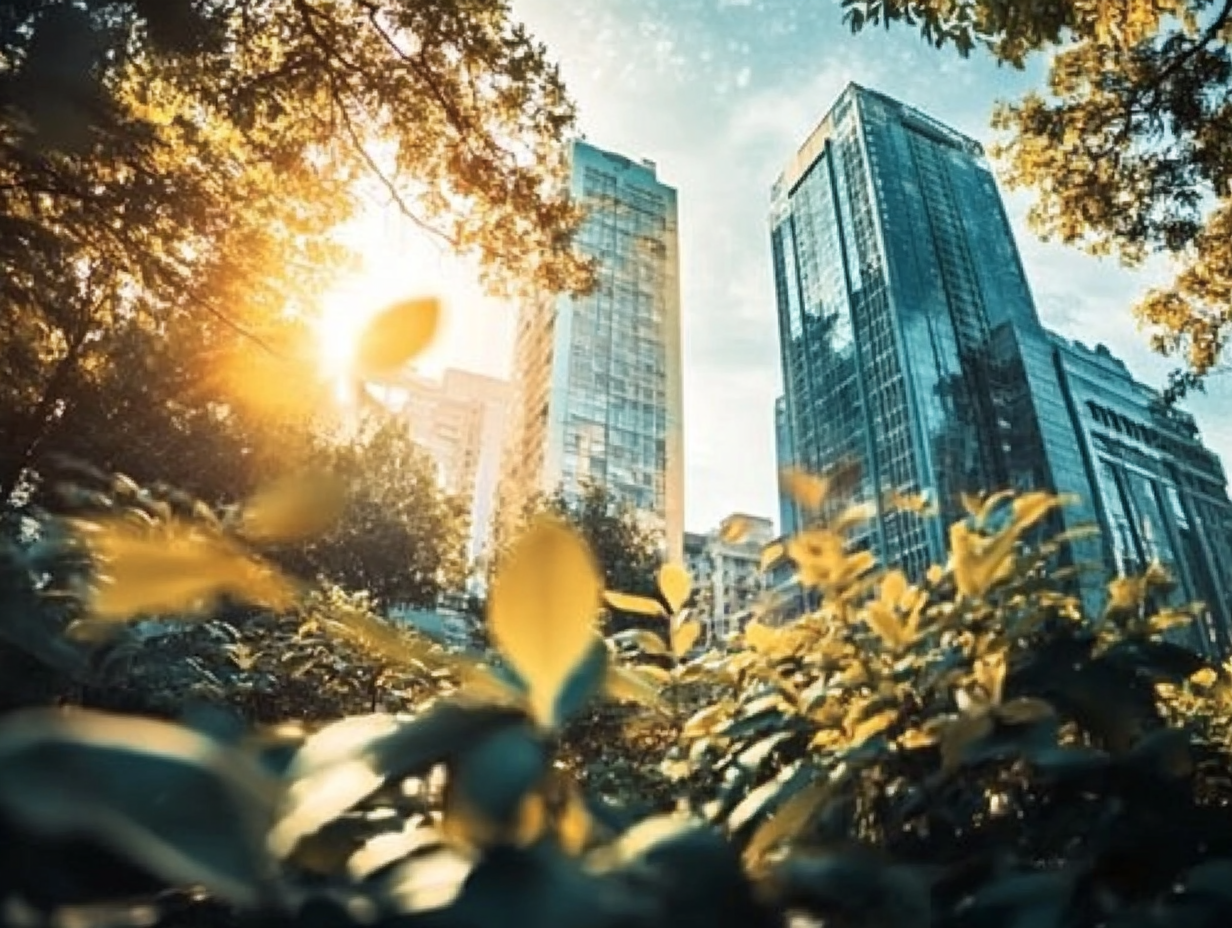
AI Prompt: Abstract blurry cityscape background with motion blur, yellow and teal colors, green plants in the foreground, high-rise buildings in the background, hazy, double exposure, sunny day, soft light, low-angle shot, pastel tones, misty, foggy, sunlight rays, blurred, bokeh effect, bright and airy, colorful, beautiful, daylight, professional photography shot on analogue camera, hyper-realistic parts, cinematic, volumetric lighting, sharp focus, extreme detail. The image is blurred, dreamy and foggy, with just some parts visible in focus.
Popular AI Tools for Content Creation:
- ChatGPT: Developed by OpenAI, a leader in AI research, widely adopted with a strong track record, ensuring long-term reliability.
- Grok: Created by xAI, focused on human-like interaction, with a growing user base and backing for sustained development.
- Claude: Developed by Anthropic, emphasizing safety and ethical AI usage, known for providing context-aware and nuanced content generation.
- Gemini: Developed by Google, leveraging advanced multimodal capabilities, designed for versatile content creation with strong integration into Google's ecosystem.